Wedding reception slideshow
Wedding slideshow software for the photo booth.
This guide is for photo booth owners who want a live wedding slideshow at the reception: every booth photo on a screen moments after it is taken, branded with the couple's names and monogram. It explains how that differs from a pre-made memory video, how to brand and time the slideshow for a wedding, where to put the screen, and how to hide a photo the couple would not want shown.
01 / Two kinds
Which kind of wedding slideshow do you need?
"Wedding slideshow" means two different things, and the software for each is different. Pick the one that matches the job before you compare programs.
Pre-made
The memory montage
Childhood photos, dating photos and family pictures, edited ahead of time and set to music. It plays once, during dinner or a toast. If this is what you want, a design tool such as Canva or any video editor will do the job, and you do not need photo booth software at all.
Live
The live reception slideshow
Photos from the photo booth appear on a screen moments after they are taken, all night long. Nothing is edited ahead of time. On a Windows booth, the screen is often the vertical one on the back of the booth, covered in our photo booth rear screen guide. This is what BoothLoop does.
02 / At the reception
Why does a live photo booth slideshow work at a wedding reception?
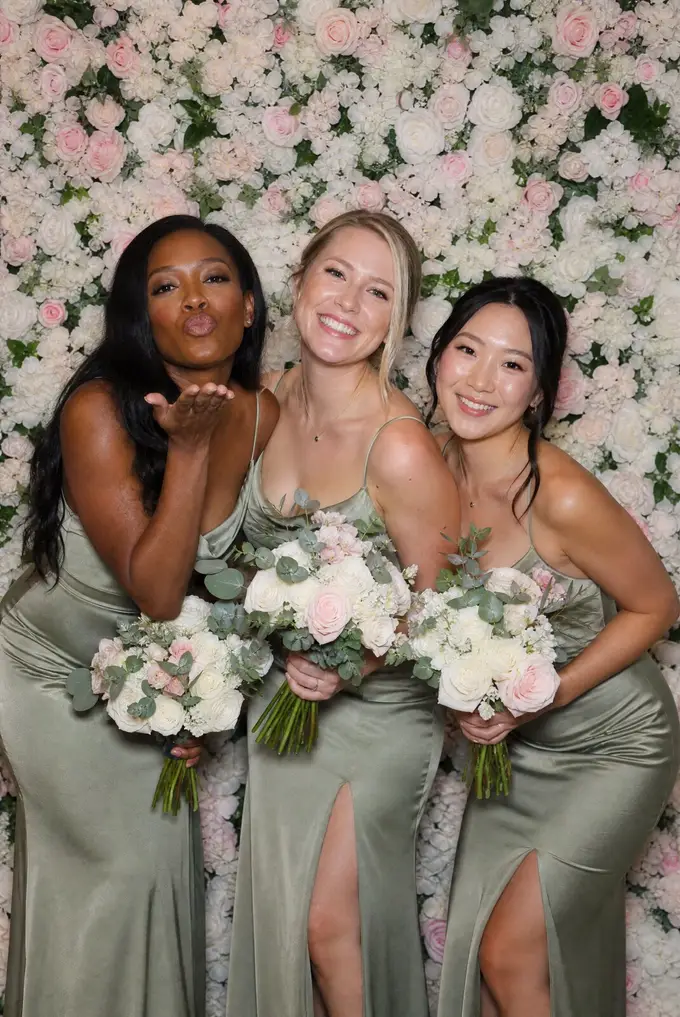
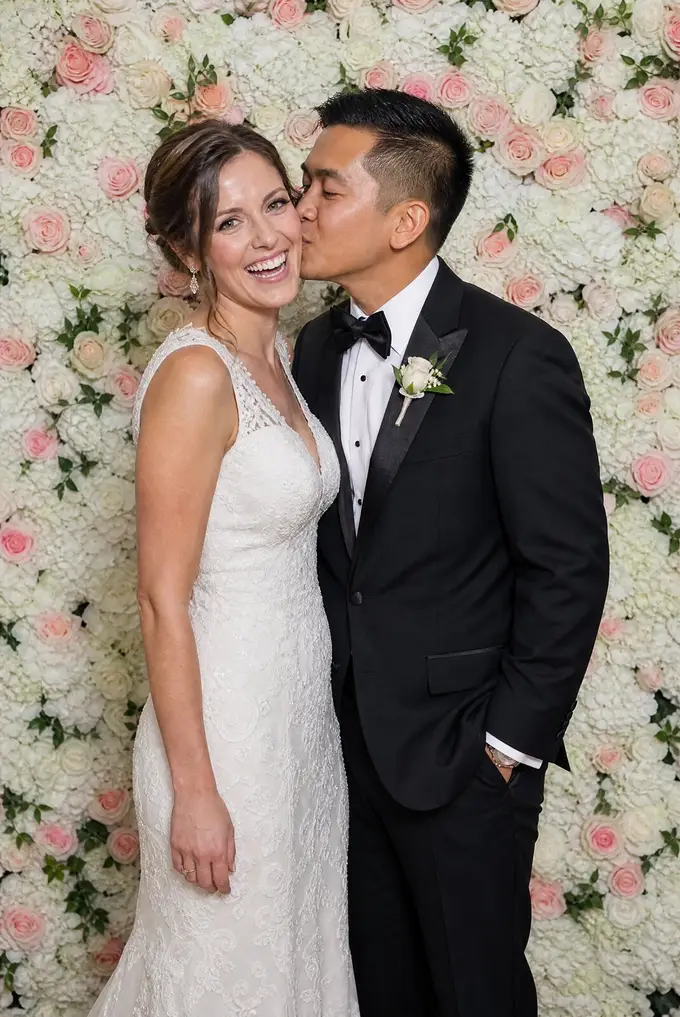
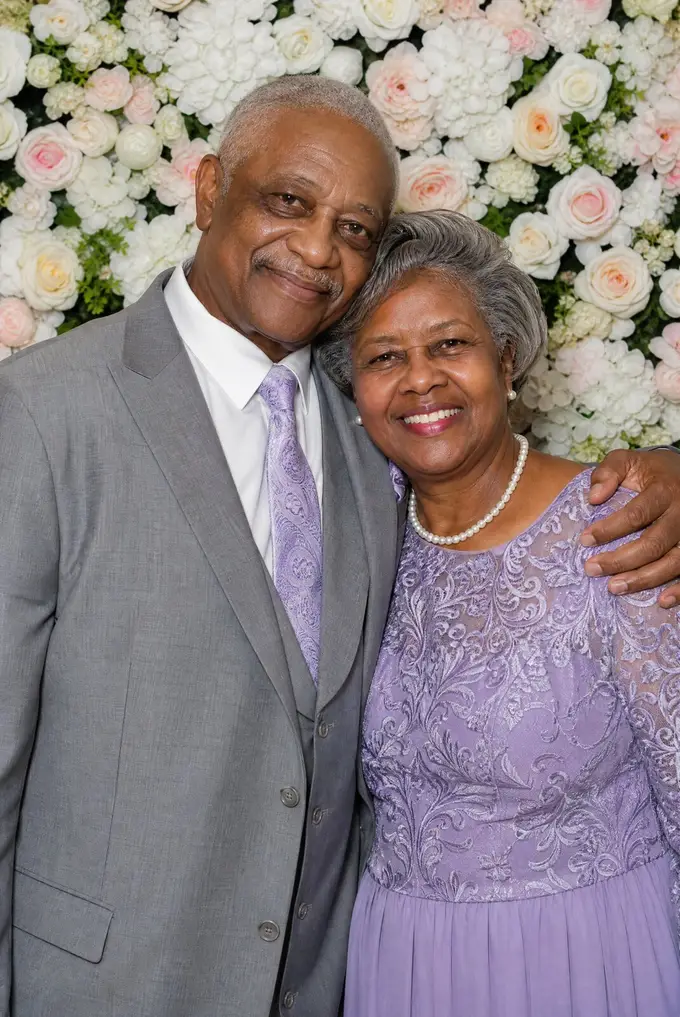
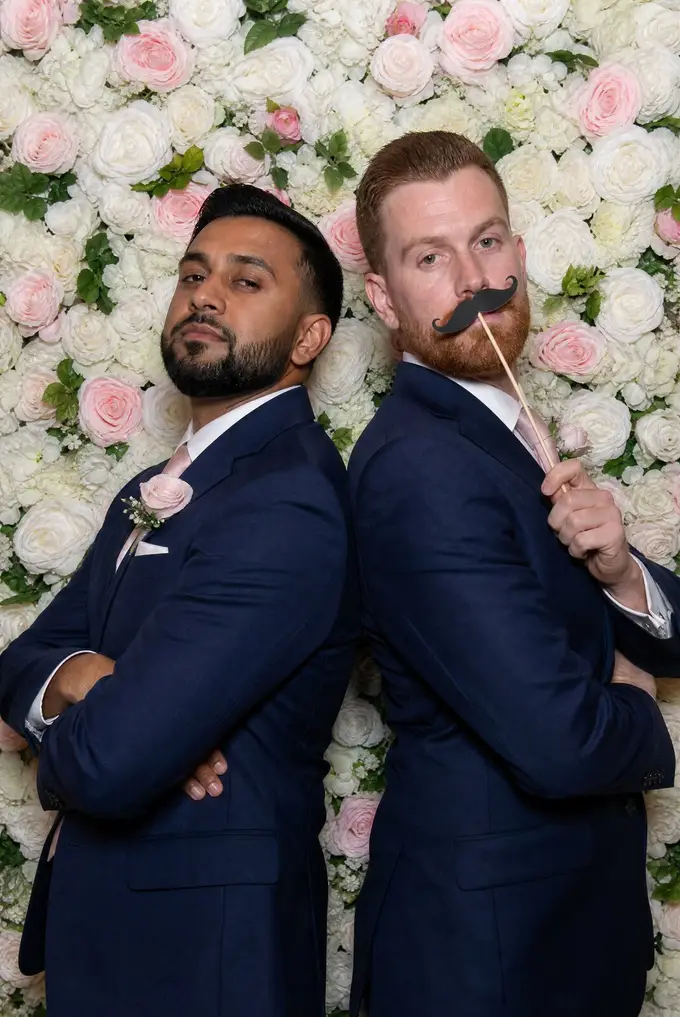
The line at a wedding photo booth is where guests wait, and the rear screen gives them something to watch. They see the groups ahead of them, which pulls more people into the line, and the people who just stepped out see themselves within seconds.
BoothLoop shows up to three photos at once on a vertical screen, moving up or down, with each new photo sliding into the middle slot. Photos from one photoshoot stay together. Portrait template prints switch to full-screen single photos automatically, and GIFs and videos from the booth play on the belt, muted and looping.
The couple's names scroll along the text bar and their monogram sits in a corner, so the screen reads as part of their wedding, not as a generic display.

03 / Branding
How do you brand a wedding slideshow for the couple?
Upload the couple's monogram or wedding logo as a PNG, SVG, JPEG, WebP or GIF up to 5 MB. Place it in any corner and set its size from 5 to 40 percent and its opacity, so it reads without covering faces.
Put their names, the date or the wedding hashtag in the scrolling text bar, in one of eight text styles at three speeds. Then pick one of six themes for the screen around the photos. Warm and Gallery suit most receptions, and Midnight suits an evening ballroom.
Branding in BoothLoop is one global setup, not a saved preset per wedding. Before each event, open settings and swap the logo and text bar for the new couple. For the idle screen, set up a photo booth welcome screen with the couple's image or video.
Text bar styles
- Static
- Marquee
- Pulse
- Typewriter
- Bounce
- Glow
- Wave
- Slide In
Themes
- Dark
- Gallery
- Neon
- Minimal
- Warm
- Midnight
Before each wedding
04 / The night
What does the slideshow do across a reception night?
A wedding reception slideshow has to look right at cocktail hour with six photos and at midnight with six hundred. This is how a BoothLoop rear screen behaves through a typical evening.
-
Cocktail hour
Attract screen, then the first photos
Before anyone steps in, the rear screen plays your welcome image or video. The first photo dismisses it, and Auto timing holds each early photo on screen for a long time.
-
Dinner
A slow, steady belt
Guests visit the booth between courses. The belt shows the last few groups, and photos taken within the set gap stay together as one photoshoot.
-
First dance and toasts
The booth goes quiet
Everyone is watching the couple. If the booth sits idle past the time you set, the attract screen comes back until the next photo.
-
Open dance floor
The busiest hour
The line is long and photos pile up. Auto timing speeds up as the count grows, so new groups see themselves quickly. Hide anything the couple would not want shown.
-
Last song
Every photo of the night
The belt keeps cycling through the full event for guests saying goodbye. Close BoothLoop and reopen within 8 hours to resume the same event.
05 / Timing
How fast should a wedding reception slideshow move?
Slow early, faster later. At the start of a reception there are only a handful of photos, and cycling them fast makes the screen look empty and repetitive. Late in the night there are hundreds, and a slow pace means a group may wait a long time to see themselves again.
BoothLoop's Auto timing handles this for you. It starts slow and speeds up as the photo count grows. If you prefer a steady pace, set a fixed time per photo instead.
Timing and belt settings
- Auto timing
- Starts slow (60 s per photo by default) and speeds up as the photo count grows, down to 0.5 s
- Speed-up threshold
- Set from 10 to 500 photos
- Fixed timing
- 0.5 to 120 s per photo
- Belt
- 1, 2 or 3 photos on screen, moving up or down
- Motion
- Stepped (700 ms slide, then pause) or Smooth
- Set gap
- 5 to 60 s, default 20 s, keeps a photoshoot together
06 / Control
How do you hide a photo the couple would not want shown?
Open bars and photo booth props produce the odd photo nobody wants on a big screen. On the BoothLoop rear screen, hold both top corners for 2 seconds. You can hide that photo, its whole set, or pick photos from a grid. Hiding needs the screen unlocked first.
Hidden photos can be restored later from Manage hidden photos, and the hidden list is saved per event.
Lock the screen before guests arrive. Locked, the slideshow keeps running and guests can still swipe through photos, but settings stay hidden until you unlock with a near-invisible corner button or three taps in a chosen corner. To hide a photo while locked, unlock the screen first.
Hold
Both top corners, 2 seconds
Choose
This photo, the whole set, or a grid pick
Restore
Any time, from Manage hidden photos
07 / Placement
Where should the wedding slideshow screen face?
Toward the people who are waiting. On a booth with a rear screen, turn the booth so the back faces the line or the edge of the dance floor, not a wall. Guests in line watch the screen, and people dancing glance over and walk across to join.
Keep the rear screen at eye level and away from direct uplighting that washes it out. BoothLoop needs the screen connected to the booth PC and turned to portrait, and it does not need the venue Wi-Fi, which our guide to an event slideshow without internet explains.
If you are adding weddings to a new booth business, our guide to starting a photo booth business covers packages and gear. Read who makes BoothLoop, our privacy policy and the beta terms of service before you sign up.
08 / Requirements
What do you need to run a live wedding slideshow?
A Windows photo booth PC with a second screen in portrait, plus booth software that saves photos to a folder. BoothLoop is free during the beta, then $29.99/year for beta users, as the pricing page explains. After you join you land on the beta confirmation page.
Wedding booth setup
- Computer
- Windows PC running your booth software
- Browser
- Google Chrome
- Booth software
- LumaBooth for Windows (formerly dslrBooth), or any app that saves photos into a folder
- Screen
- Second monitor in portrait (vertical) orientation
- Venue Wi-Fi
- Not needed for the slideshow
- Not supported
- iPad, Mac and phone booths
FAQ
Wedding slideshow questions
Do people still do slideshows at weddings?
How long should a slideshow be for a wedding?
How many pictures do I need for a 20 minute slideshow?
How do you make a good wedding slideshow?
What is the best wedding slideshow software?
What is the best photo booth app for a wedding?
Does a wedding slideshow need the venue Wi-Fi?
Can the slideshow show the couple's names?
Can I remove a photo from the slideshow during the reception?
How much does BoothLoop cost for weddings?
Beta access
Give the next couple their wedding on the back of the booth.
BoothLoop is free during the beta. Tell us about your Windows booths and we will send access for your booth PC.
Want the full picture first? See how the rear-screen slideshow works.